Email Animated GIFs: Best Practices for Driving ROI While Avoiding Annoying Subscribers

Inbox fatigue is real. Today, the average professional receives over 150 emails a day, creating a digital white noise that is nearly impossible to pierce. You’ve only got a split second to grab a subscriber’s attention before they hit delete or even unsubscribe, so every millisecond counts.
One debate in email circles was whether an animated GIF is a gimmick or a tool. The data has finally settled the score. Movement is no longer just visual flair; it is a sophisticated performance lever that, when used correctly, transforms a passive reader into an active customer. However, the stakes have never been higher. The difference between a high-converting micro-demo and an annoying flashing banner is the difference between a record-breaking quarter and a spike in unsubscribe clicks.
The Revenue Impact of Animated GIFs
Brands using animation effectively see a 37:1 ROI, which is a 105% improvement over brands that stick strictly to static images (averaging 18:1).
Autobound
The gap between good and great email marketing is defined by how well you respect the subscriber’s time. This 105% improvement in ROI isn’t just because things that move are pretty. It is rooted in cognitive psychology. Humans are biologically hardwired to notice motion; it is a survival instinct. In an inbox full of static text, a subtle animation acts as a visual magnet.
However, the revenue impact specifically refers to purposeful animation. Brands seeing this 37:1 ROI are using GIFs to bridge the gap between telling and showing. For example, a B2B SaaS company might use a 4-second loop to show exactly how their new AI dashboard generates a report. A retail brand might show a 360-degree rotation of a new sneaker.
By providing this visual proof within the email itself, you reduce the friction of the unknown, making the user much more likely to click through and complete a purchase. Static images ask the user to imagine; GIFs allow the user to experience.
Driving Engagement Through Interactivity
Emails that use interactive content, including video-GIFs and gamified reveals, see a 73% higher click-to-open rate than static emails.
MKTGRhythm
The goal of motion is to create a curiosity gap. In the psychology of marketing, a curiosity gap is the space between what we know and what we want to know. Modern email marketers are using GIFs to trigger this itch.
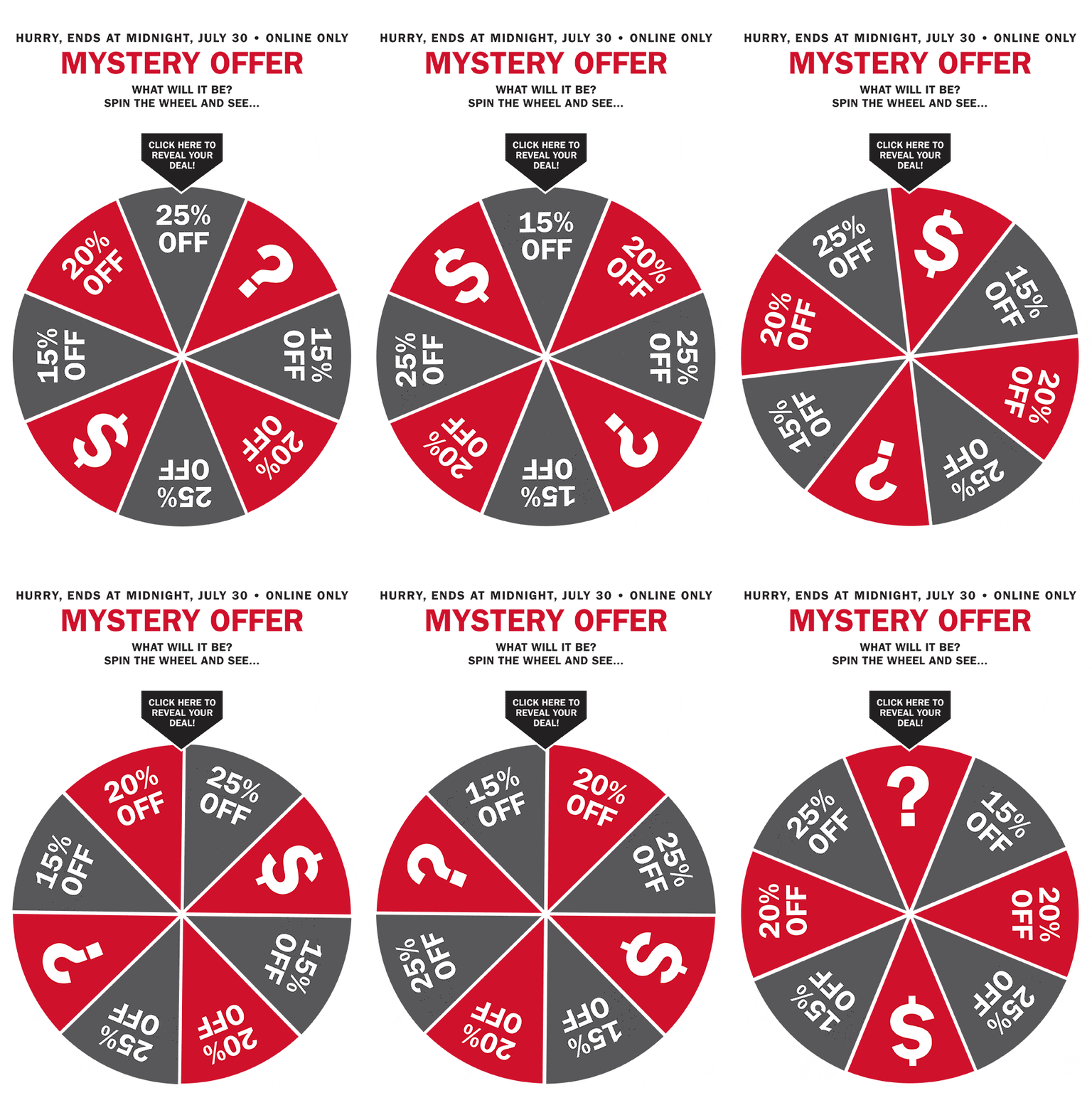
Consider the gamified reveal trend that has dominated 2025 and 2026. Instead of sending an email that says Get 20% off, brands are sending emails with animated scratch-off GIFs or spinning wheels. The animation creates a sense of play. The 73% higher click-to-open rate cited is a testament to how difficult it is for humans to ignore an unfinished game.
Beyond games, interactivity may include CSS-driven hover effects and GIFs that respond to user context. However, the email landscape is notoriously fragmented, and big players like Outlook (Desktop) and Gmail (mobile and web) have long-standing reputations for stripping out <style> tags or ignoring the @keyframes property entirely. As a best practice, avoid CSS-driven animations.
By the time a user realizes they are engaging with an ad, they’ve already spent five seconds interacting with the brand. That five-second window is the golden hour of digital marketing; it’s where brand recall is built.
The Fine Line Between Engagement and Annoyance
31% of subscribers now label animated emails as “annoying” if the motion feels random or forced, compared to only 14% for static content.
Breadnbeyond
As users become more tech-savvy, their spam filters for low-quality content have become more effective. We are living in the age of Banner Blindness. If your GIF is a low-resolution meme from a decade ago or a rapidly flashing SALE banner, you may not just lose the click, you may lose brand trust.
The trend is purposeful motion. When a user opens an email looking for information and is greeted by a flickering, high-speed animation, it creates sensory overload. This is especially true in B2B environments, where users are likely in a high-focus productivity mindset. A GIF that serves no purpose other than to get attention is viewed as an intrusion.
Marketers must ask themselves: Does this animation help the user understand the value proposition faster? If the answer is no, stick to static.
Technical Guardrails and Accessibility
Gmail clips any email whose HTML code exceeds 102KB. Large GIFs also risk lagging on mobile devices, making file optimization a critical deliverability factor.
Email on Acid
To win, your strategy must be as technical as it is creative. A beautiful 5MB GIF is worthless if Gmail clips the bottom of your email and hides the CTA. Clipping happens when the code itself is too heavy, but the user experience (UX) also suffers when the assets are heavy.
If a GIF takes three seconds to load on a 5G connection, the user has already scrolled past it. In their mind, they just saw a broken image box. This is why frame-rate optimization has become a core skill for email designers. Furthermore, with the European Accessibility Act in full force, legal compliance is now part of the design process. You must adhere to WCAG guidelines. This isn’t just about avoiding lawsuits; it’s about being inclusive to the roughly 2.2 billion people globally who have some form of vision impairment or photosensitivity.
Best Practices: The Definitive Guidelines for Email Animation
To ensure your campaigns maximize ROI and avoid annoyance, follow these master-level guidelines.
The First Frame Strategy
Some legacy versions of Outlook (Desktop) and certain low-data mobile modes will refuse to play your GIF. They will display only the very first frame of the animation.
- The Rule: Your first frame must be a complete, high-quality static ad. It should include your primary product image and, if possible, your headline.
- The Trap: Never start with a fade-in from white or a blank screen. If the GIF fails to load, your subscriber will see a broken email.
File Size Management and Compression
File size is the silent killer of email deliverability.
- Target Size: Aim for under 500KB. Never exceed 1MB.
- How to achieve it:
- Reduce the Palette: GIFs support 256 colors. Reducing this to 64 or 128 for simple graphics can cut file size by 40% without losing visual quality.
- Drop Frames: Instead of a smooth 30 fps (frames per second), try 10 or 12 fps. For email, a slightly choppy but fast-loading animation is always better than a smooth, slow-loading one.
- Masking: If only a small part of your image needs to move (e.g., steam from a cup), keep the rest of the image as a static layer.
Contextual Frequency
Avoid loop fatigue.
- The Rule: Set your GIF to loop 3 to 5 times and then stop on a final, static frame.
- Why: A looping GIF can be incredibly distracting when the user is trying to read the text below it. By stopping after a few loops, you grab the attention, deliver the message, and then get out of the way.
Accessibility and Safety Compliance
- No Rapid Flashing: Never exceed three flashes per second. This is a hard requirement for WCAG 2.2 and the European Accessibility Act.
- Alt-Text: Your
<img>tag must include descriptive Alt-text. Instead ofalt="product gif", usingalt="Animated demonstration showing our new coffee maker brewing a fresh cup in under 30 seconds." - Reduced Motion: Use the CSS media query
@media (prefers-reduced-motion: reduce)to serve a static image to users who have indicated a preference for less OS-level movement.
Functional Over Decorative
Every pixel must earn its place.
- Yes: Using a GIF to show a before and after of a photo editing app.
- Yes: Using a cinemagraph where only the product’s reflection moves.
- No: Using a reaction GIF of a celebrity to celebrate a Friday sale (unless your brand voice is specifically built on memes).
Placement and Hierarchy
- Above the Fold: Your primary animation should be in the Hero section. If you put multiple GIFs in one email, you risk creating a Las Vegas Strip effect where nothing stands out because everything is flashing.
- CTA Alignment: Use the animation to point to the CTA. A subtle bounce on a button or an arrow pointing to a link can increase the likelihood of a click by providing a visual path for the user’s eyes.
Bottom line: The goal isn’t just to make the email move; it’s to move the user toward the Buy button. Treat your GIFs as miniature sales pitches, and the data shows your ROI will follow.


